Sizes, formats and counts
Google's product data pages for the main image, additional images and lifestyle images, read on October 25, 2026. An image that breaks them won't appear on Google, and Merchant Center's Diagnostics section says why.
| Rule | Main image | Additional images | Lifestyle images |
|---|---|---|---|
| Feed attribute | Main image: image_link | Additional images: additional_image_link | Lifestyle images: lifestyle_image_link |
| How many | Main image: 1, required | Additional images: Up to 10 | Lifestyle images: Up to 5 |
| Smallest | Main image: 500 x 500 px from Jan 31, 2027 | Additional images: 500 x 500 px from Jan 31, 2027 | Lifestyle images: 600 x 600 px |
| Recommended | Main image: About 1500 x 1500 px or more | Additional images: Same as main | Lifestyle images: The largest you have |
| Largest | Main image: 64 megapixels, 16 MB | Additional images: 64 megapixels, 16 MB | Lifestyle images: 64 megapixels, 16 MB |
| Added text | Main image: Not allowed | Additional images: Not allowed | Lifestyle images: Not allowed |
Formats: JPEG, WebP, PNG, GIF, BMP and TIFF, and the file extension has to match the format. An additional image under the minimum size doesn't get the product disapproved, but Google won't show that image.
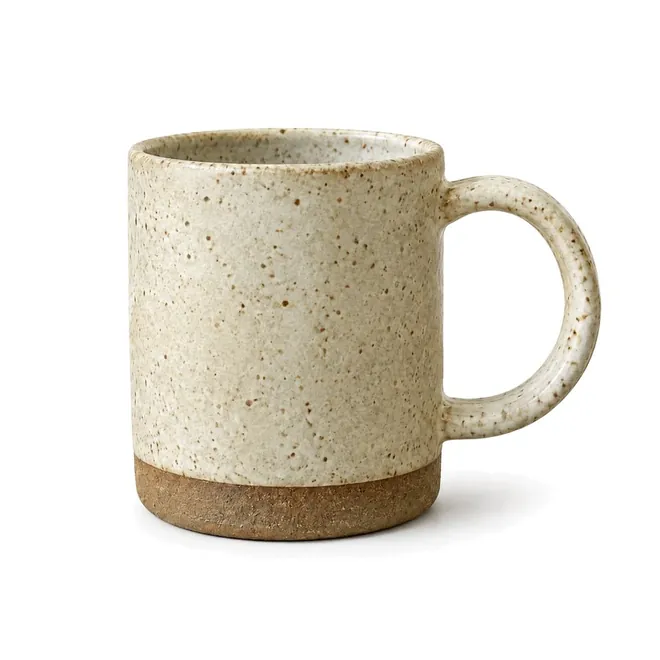
The main image
"Your product image must offer an unobstructed, clean view of the item for sale. Adding post-production text, marketing callouts, or graphics distracts shoppers from your product and will cause an image disapproval." Google lists what to avoid:
- Calls to action, such as "Buy" or "Shop now".
- Price, discounts or offers like "Free shipping", and warranty or service claims.
- Promotional words such as "Best", "Cheap" or "Top quality", and condition or fit labels such as "New" or "2-piece set".
- Barcodes, QR codes, watermarks, copyright symbols and stamps.
- Brand or store names and logos added afterwards. They're allowed only when they're physically part of the product.
- Placeholders, store logos, line art or mockups instead of the product, a plain square of color, and borders.
- Any product that isn't sold together with the main product.
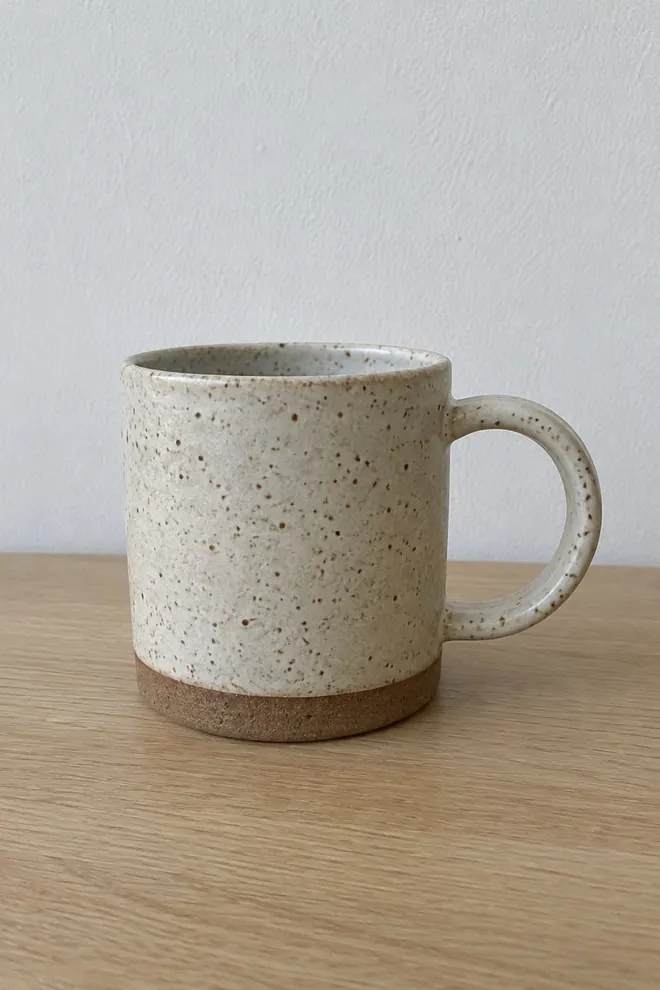
Google's best practices add two more: the product should take up "no less than 75%, but not more than 90%, of the full image", and each variant (color, pattern, finish) should get its own image showing only that variant.

Additional images
Additional images must "Meet the requirements for the image link [image_link] attribute", so the same no-text rules apply. On top of that they can show the product staged or in use, show parts of it without the whole product, show parts of a bundle, or show a whole multipack. Google's own example: the main image is "Only the couch on a white background", and the additional image is "The couch with two pillows and a living room setting".
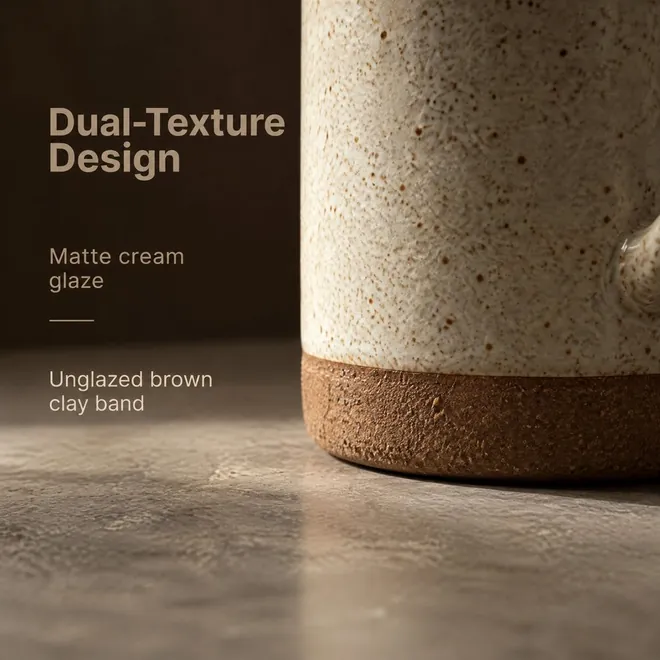
That rules out the text-heavy images that work on Amazon. An infographic with callouts is post-production text, so on Google it risks a disapproval. Keep those for Amazon, and send Google the clean shots.
Lifestyle images
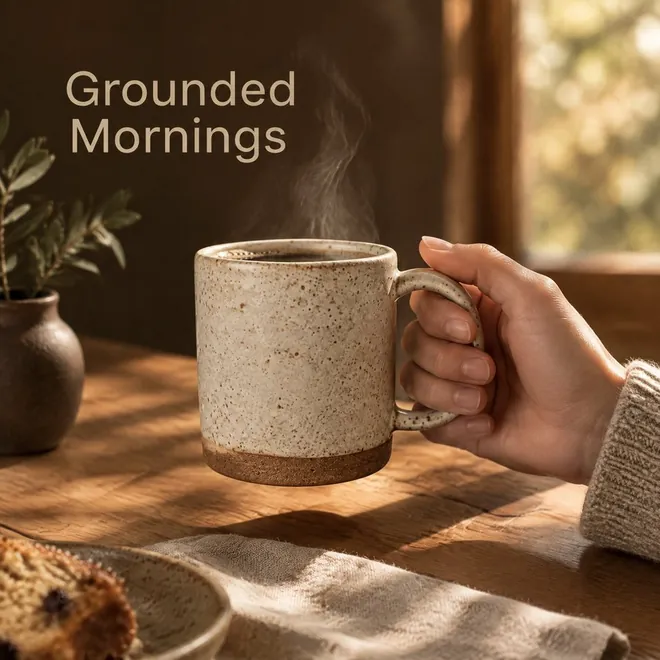
Google uses lifestyle images "to showcase your product in a real world context, for example, clothing worn by a model, furniture staged within a room, multiple products displayed as a complete set, or products shown with vivid background colors or presented in playful situations." The rules:
- At least 600 x 600 pixels.
- "Don't use an image that contains promotional elements or other text", including watermarks, brand names, logos and the retailer's name.
- No borders, and no padding added to change the shape.
AI-made images need a tag
Google's AI-generated content page: "All images created using generative AI must contain meta data indicating that the image was AI-generated by using the IPTC DigitalSourceType TrainedAlgorithmicMedia metadata tag." It applies to the main, additional and lifestyle images, and Google asks you not to remove the tag from images made with tools like its own Product Studio. With the free ExifTool, one command adds it:
exiftool -XMP-iptcExt:DigitalSourceType=http://cv.iptc.org/newscodes/digitalsourcetype/trainedAlgorithmicMedia image.jpg
If your products reach Google from Shopify, check the tag on your live images: we saw no XMP metadata, where this tag is stored, on 196 Shopify-processed product images. Amazon, Etsy and Shopify's own AI rules are in AI product images: Amazon, Etsy and Shopify rules.
Fixing a disapproved image
- Merchant Center lists the problem in its Diagnostics section.
- Upload the fixed image at a new URL. Google crawls a new URL within 3 days; a changed image at the same URL can take up to 6 weeks to be noticed.
- For promotional overlays, you can turn on automatic image improvements, which lets Google fix minor image policy issues itself.
- Make sure your robots.txt lets Googlebot and Googlebot-image fetch the images.
Selling on Shopify? Its sizes are in Shopify product image size.
Where ReddStudio fits
ReddStudio redraws your product photo into a set of six images, shaped for Amazon, Etsy, Shopify or TikTok Shop; there's no Google option. Its main image can fit Google's main image rules when it shows only the product. Most of the others carry headlines or callouts, so keep them off Google. Every ReddStudio image is AI-made. New ones carry Google's DigitalSourceType tag (trainedAlgorithmicMedia) in the file's XMP; images made before we added it don't, so tag those with the command above. If your products reach Google through Shopify, check the tag is still on your live images, since we saw no XMP metadata on 196 Shopify-processed product images. Check each image against your real product too. Your first listing's six images are free as a watermarked preview.
FAQ
What size should Google Shopping images be?
At least 500 x 500 pixels from January 31, 2027, and Google recommends about 1500 x 1500 pixels or more. No image can be larger than 64 megapixels or 16 MB. Lifestyle images need at least 600 x 600 pixels.
Can Google Merchant Center images have text?
Not added text. The main image rules say post-production text, marketing callouts or graphics will cause an image disapproval, additional images must meet the same rules, and lifestyle images must not contain promotional elements or other text. Text that is physically on the product is fine.
How many images can a Google product have?
One main image, up to 10 additional images and up to 5 lifestyle images.
Do AI-generated product images need a label on Google?
Yes. Google says every image created with generative AI must carry metadata saying so, such as the IPTC DigitalSourceType TrainedAlgorithmicMedia tag, and that you must not remove it.
How do I fix an image disapproval in Merchant Center?
Replace the image and submit it at a new URL: Google crawls a new URL within 3 days, but a changed image at the same URL can take up to 6 weeks to be noticed. For promotional overlays, Merchant Center can also fix minor issues itself if you turn on automatic image improvements.