What Shopify says
From Shopify's help center, on product media:
| What | Shopify's rule |
|---|---|
| Recommended size | Shopify's rule: 2048 × 2048 px "usually displays best" for square product images |
| Largest upload | Shopify's rule: 25 megapixels (5000 × 5000 px) on the product media page; 20 megapixels on the theme images page. Stay under 20 to be safe |
| File size | Shopify's rule: Smaller than 20 MB |
| File type | Shopify's rule: PNG first, then JPEG. WebP, HEIC, GIF, TIFF, BMP and SVG are also accepted |
| Shape | Shopify's rule: One consistent aspect ratio across your images |
| How many | Shopify's rule: Up to 250 images, 3D models or videos per product |
You only upload one large file. Shopify makes the smaller versions itself, for collection grids and other places a big image isn't needed, and it serves each shopper a format their browser supports.
Square, portrait, or something else?
Shopify doesn't require square. It asks for "a consistent aspect ratio, or height-to-width ratio, for all the images", because a collection page with mixed shapes shows products at different heights. How each image is cropped in a grid depends on your theme, so check your theme's product card settings, then make every product image that shape.
Square is the safe default: it's the shape Shopify gives its size advice for, and it suits the small thumbnails in the cart and at checkout. If your photos are a different shape, crop them, don't stretch them. Shopify's media editor has Square, Original and Freeform crops, and warns that changing the shape by resizing "might" distort the image.
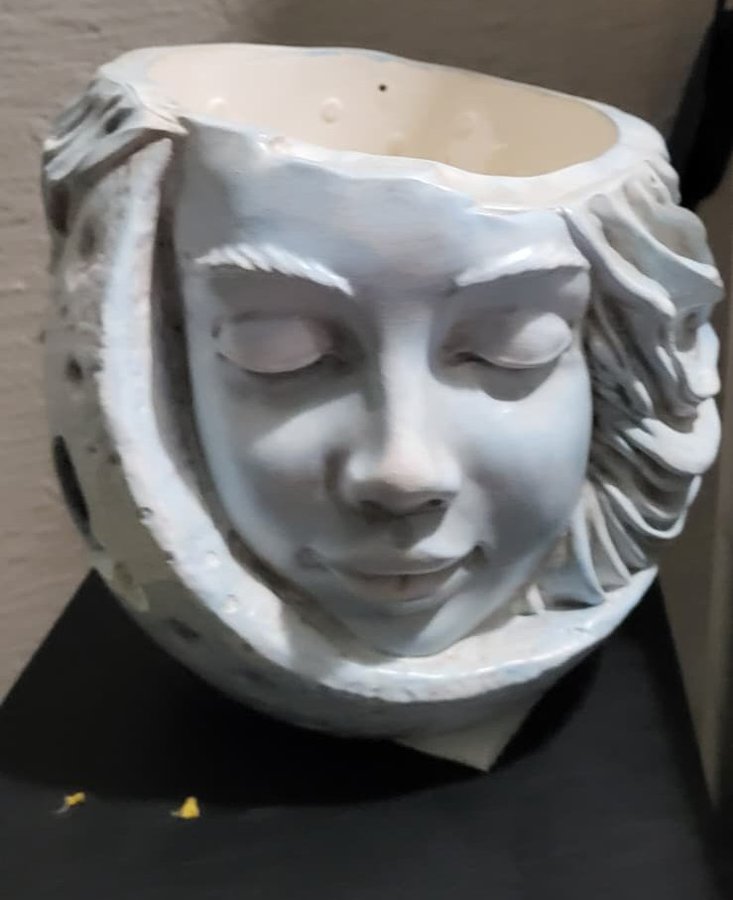
The photo that went in
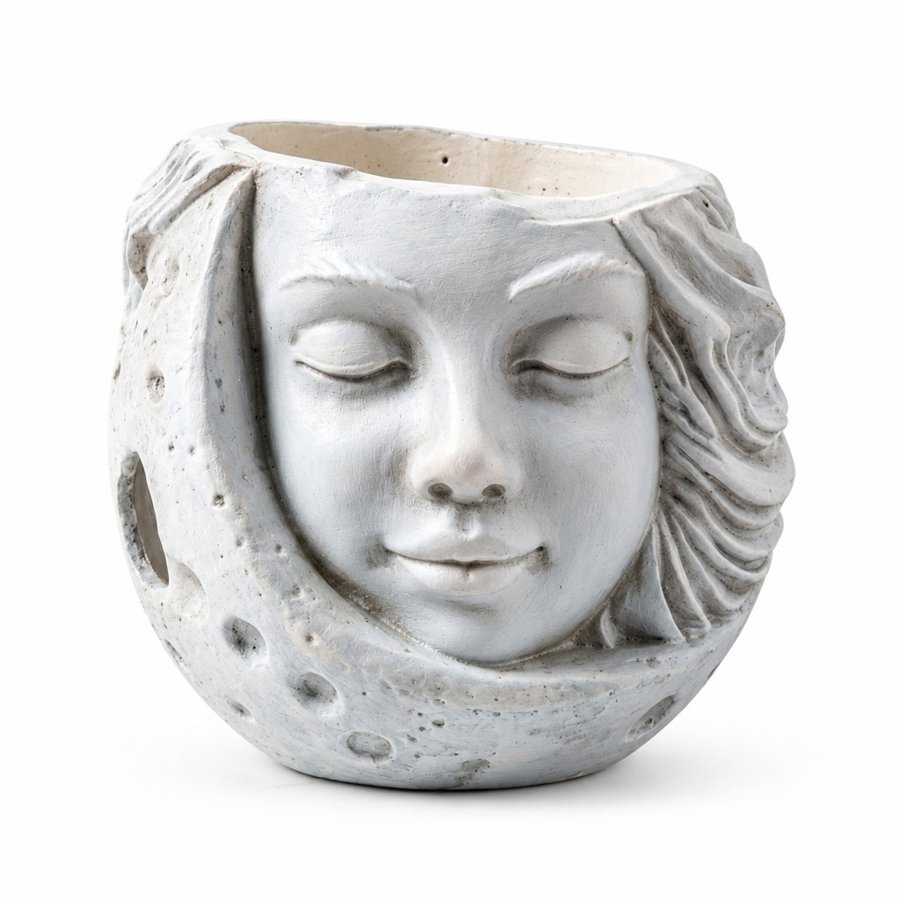
Main image

Lifestyle
The first image does the most work
Shopify calls the first media item the featured image. It's the one shown on collection pages, in the cart, at checkout and on your home page, often small. Make it the clearest picture of the product on a plain background, and save close-ups, the product in use and any text callouts for the images after it.
Add alt text to each image in the media editor. Shopify's advice: "Keep your alt text brief and descriptive", around 125 characters or less.
Banners, slideshows and logos
These aren't product images, and Shopify gives no single size for them: it says the best dimensions "depend on your theme and theme version". A banner or slideshow section has its own shape and crops anything that doesn't match, so crop your image close to that section's shape before you upload it. The 20 MB file limit applies to these too.
Related
What to put in each image after the first is in what each listing image should show, and how to build the text images is in how to make infographic images. Both are written for Amazon, but the order of shots works the same way on a Shopify product page. Selling on Etsy too? Its sizes and thumbnail crops are in Etsy listing photo size.
The faster way
ReddStudio's images are AI-made: it redraws the whole picture from your product photo, product included, into six 2000 × 2000 px images, a plain white main image and then lifestyle and infographic images in one consistent style. It's built for Amazon listings, and the files are JPEG squares, a little under Shopify's 2048, so they fit a square Shopify product gallery. Check each one against your real product before you add it. Your first listing's six images are free as a watermarked preview.
FAQ
What is the best image size for Shopify products?
Shopify's help center says 2048 × 2048 px usually displays best for square product images. Files must be under 20 MB. Shopify's pages differ on the pixel cap: its product media page says 25 megapixels (5000 × 5000 px), its theme images page says 20, and 2048 × 2048 is far under both.
Is PNG or JPEG better for Shopify?
Shopify says PNG is the best file type for most product images, followed by JPEG. It also accepts WebP, HEIC, GIF, TIFF, BMP and SVG, and it picks the format each shopper's browser supports when it serves the image.
Do Shopify product images have to be square?
No. Shopify asks for a consistent aspect ratio across your images, not a square one. Square is the easy choice because it works in most themes' grids and in the cart and checkout.
How many images can a Shopify product have?
Up to 250 images, 3D models or videos per product. The first one is the featured image.
Can I use my Amazon listing images on Shopify?
Yes. Shopify asks for one consistent aspect ratio, not a white background, so square Amazon images fit a square product gallery as they are, if they are big enough (Shopify suggests 2048 × 2048). Keep every image of a product the same shape.
Why does Shopify say my image exceeds the maximum size of 20 MB?
Product images must be smaller than 20 MB. Export a JPEG, or a smaller PNG, at 2048 × 2048 px, which is far under the limit.