What we measured
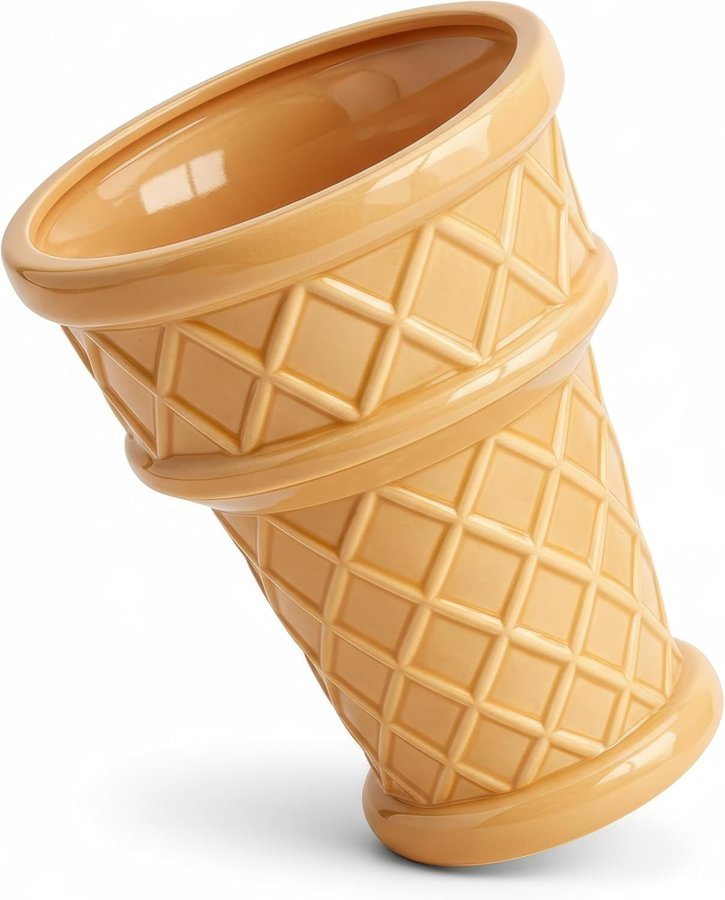
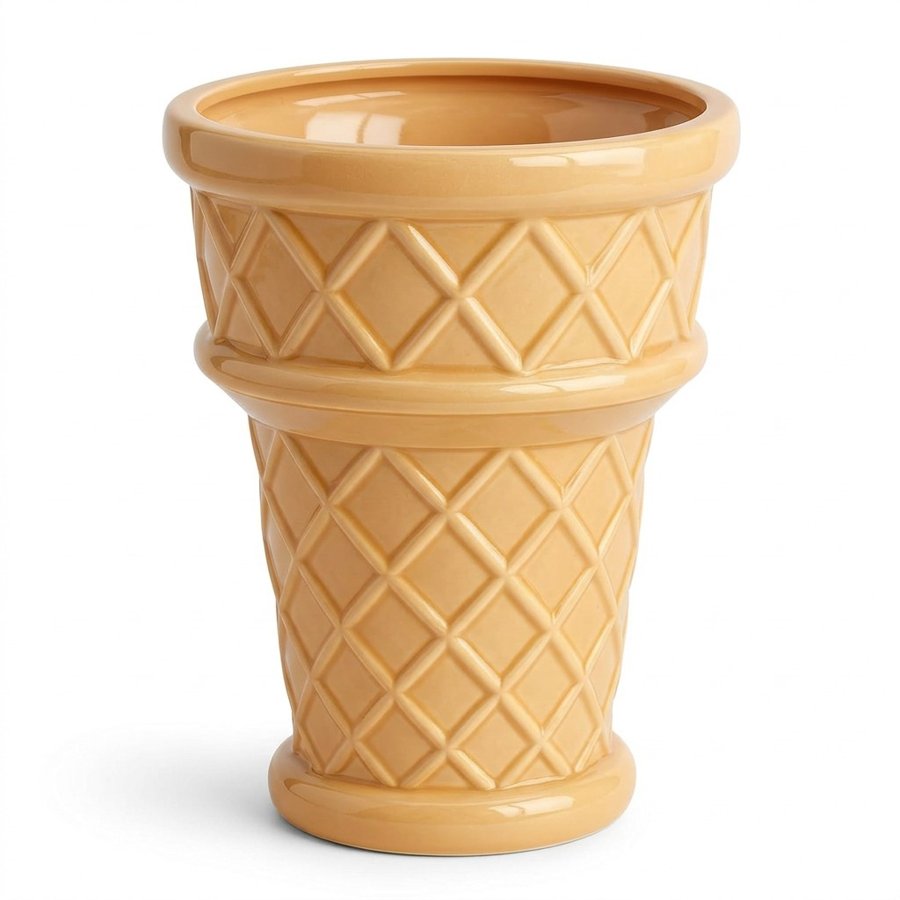
On October 19, 2026 we took the first 16 organic results on Amazon.com for five searches: ceramic planter, insulated water bottle, dog bed, phone case and throw pillow covers. That is 80 main images. For each one we downloaded the full-size file and measured how far the product reaches across the frame, edge to edge, on its longest side.
| What we checked | Result |
|---|---|
| Main images on a white background | 59 of 80 (the pillow covers used room scenes) |
| Product fill on its longest side, median | 97% |
| Middle half of the results | 92% to 99% |
| Lowest fill | 71% |
| Under Amazon's 85% | 8 of 59 |
| Square images | 68 of 80 |
| 1,000 pixels or more on the longest side | 80 of 80 |
So the listings you compete with mostly fill the frame almost to the edge. A product at 80% fill sits in the same box with a visible margin all around, and next to them it looks smaller.
What makes a main image look small
- White space around the product. The most common cause. Amazon fits the whole image into the box, so every pixel of margin shrinks the product.
- A tall or wide image. The box is square, so a 1000 × 1500 image gets white bars on both sides and the product shrinks to fit the height.
- A tall, thin product. A bottle can fill 96% of the height and still cover only a third of the square. Fill the height, and consider an angle that shows more of it.
- A shadow or reflection. It counts as part of the image, so a long shadow pushes the product itself smaller.
What doesn't help
- A bigger file. Amazon asks for at least 72 dpi, and 1,000+ pixels on the longest side for zoom. Going to 4000 pixels or 300 dpi does not change how big the product looks in the box.
- Changing the category. The box is the same; the image inside it is what changes.
How to fix it
- Open the image and crop to just outside the product's edges, so it fills about 95% of the frame on its longest side.
- Make the canvas square, with pure white (255, 255, 255) around the product.
- Keep the whole product in the frame. Amazon says not to cut any part of it off.
- Export at 2,000 pixels square or more, so zoom works.
- Upload it and give it up to 24 hours. Amazon says that is how long a new image can take to show.
Our free main image checker measures the fill, the white background and the size in your browser, so you can check before you upload.
Related
The rest of Amazon's rules are in Amazon product image requirements, getting a true white is in a pure white background for the main image, and zoom problems are in Amazon image zoom not working.
The faster way
ReddStudio makes the main image square on pure white, with the product asked to fill the frame, along with the other 5 listing images, from your product photos. Run the result through the checker above before you upload.
FAQ
Why does my main image look smaller than my competitors'?
Usually because there is more white space around your product. Amazon fits each main image into the same square, so a product that fills 80% of its frame looks smaller next to one that fills 97%.
Will a higher resolution make my main image bigger?
No. Going from 2000 to 4000 pixels, or from 72 to 300 dpi, does not change how big the product looks. Amazon needs at least 72 dpi, and 1,000+ pixels on the longest side for zoom. The fill is what changes the size.
How much of the image should the product fill?
Amazon says to show the product as 85% of the image. The top results we measured went further: half filled 97% or more of the frame on the product's longest side.
Does the main image have to be square?
Amazon does not require it, but the box it is shown in is square. A tall or wide image gets white bars added on two sides, which makes the product look smaller. 68 of the 80 top main images we measured were square.
Can I crop so close that part of the product is cut off?
No. Amazon says to show the entire product within the frame. Crop to just outside its edges.